
From Digital Chaos to an AI-Powered Document Archive: My Paperless-ngx Setup

From Digital Chaos to an AI-Powered Document Archive: My Paperless-ngx Setup

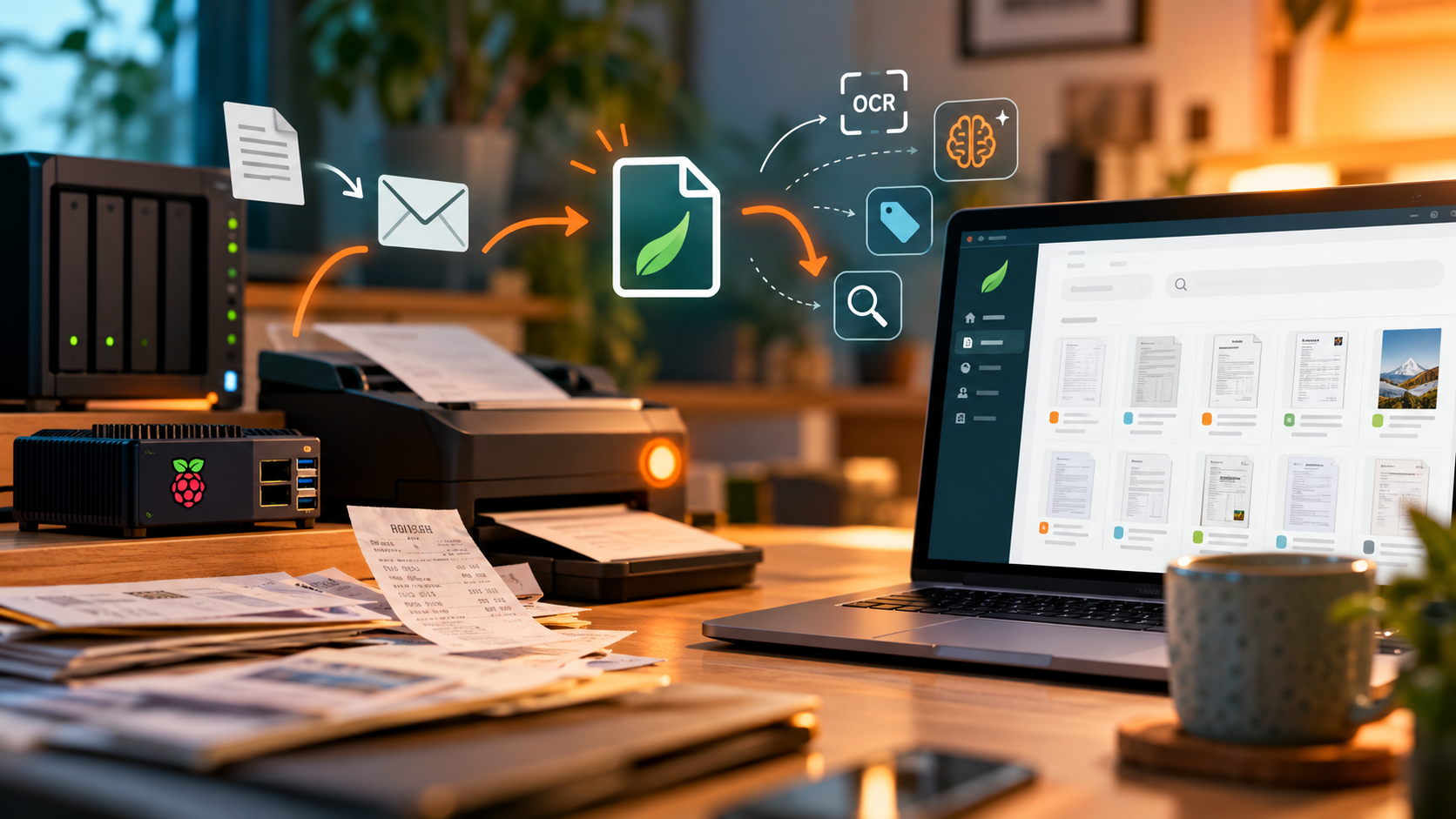
Turn your digital document chaos into a smart, searchable archive. Discover how I installed Paperless-ngx on a Raspberry Pi, connected it to my Synology NAS, and used native AI features to automatically classify, tag, and organise documents. With Home Assistant-powered one-button scanning and automatic email imports, managing our family’s paperwork has become easier, more secure, and remarkably hands-off. A practical look at self-hosted document management, AI automation, and reclaiming time for things that actually matter.
One Button Before Every Meeting: My Home Assistant Meeting Mode

One Button Before Every Meeting: My Home Assistant Meeting Mode

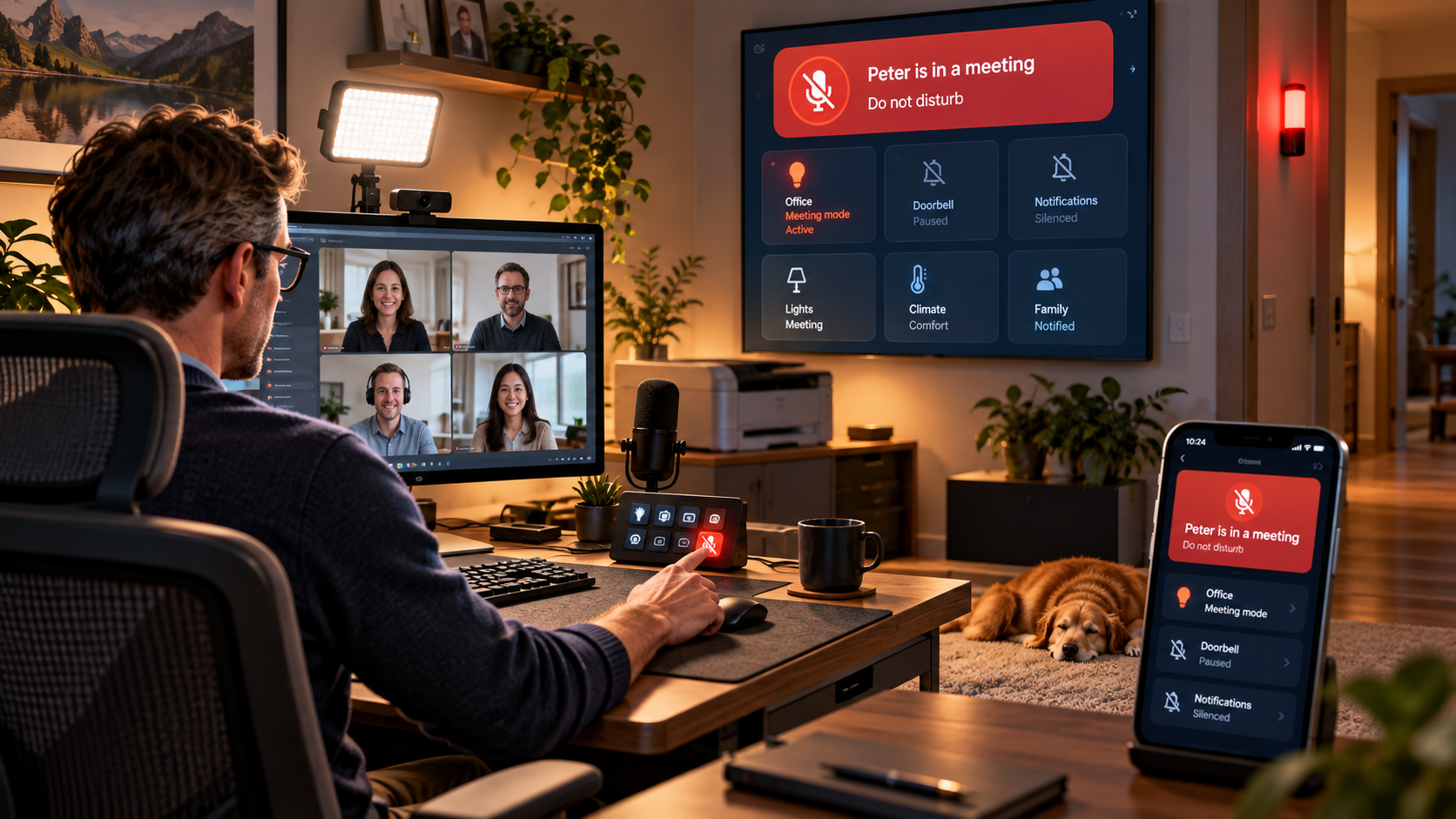
Working from home means video meetings, demos and customer calls are part of my daily routine. So I built a simple Home Assistant meeting mode that I can activate from a button on my Stream Deck. One press adjusts my office lighting, switches on the video light, silences distracting devices and announcements, turns off the printer, and shows my family that I am in a meeting through Home Assistant dashboards and a red status light outside my office. It is a small smart-home automation, but it makes my home office noticeably calmer and my meetings much more predictable.
One Car Flew. The Other Stayed on the Ground. Guess Which One I Find More Convincing

One Car Flew. The Other Stayed on the Ground. Guess Which One I Find More Convincing

There are days when the internet seems to make up its mind before breakfast. Today was one of those days. Within a few hours of each other, Porsche and Tesla presented two very different ideas of what an ultimate sports car should be. Porsche unveiled the Mission S in New York, a wonderfully low, unapologetically dramatic mid-engined concept that previews a new model line above the 911. Tesla, meanwhile, went to a SpaceX facility in Texas and showed a Roadster driving upside down, accelerating to 60 mph in 0.81 seconds and, because apparently accelerating in less than a second is…
A Perfect Home Office Setup for a Solutions Consultant

A Perfect Home Office Setup for a Solutions Consultant

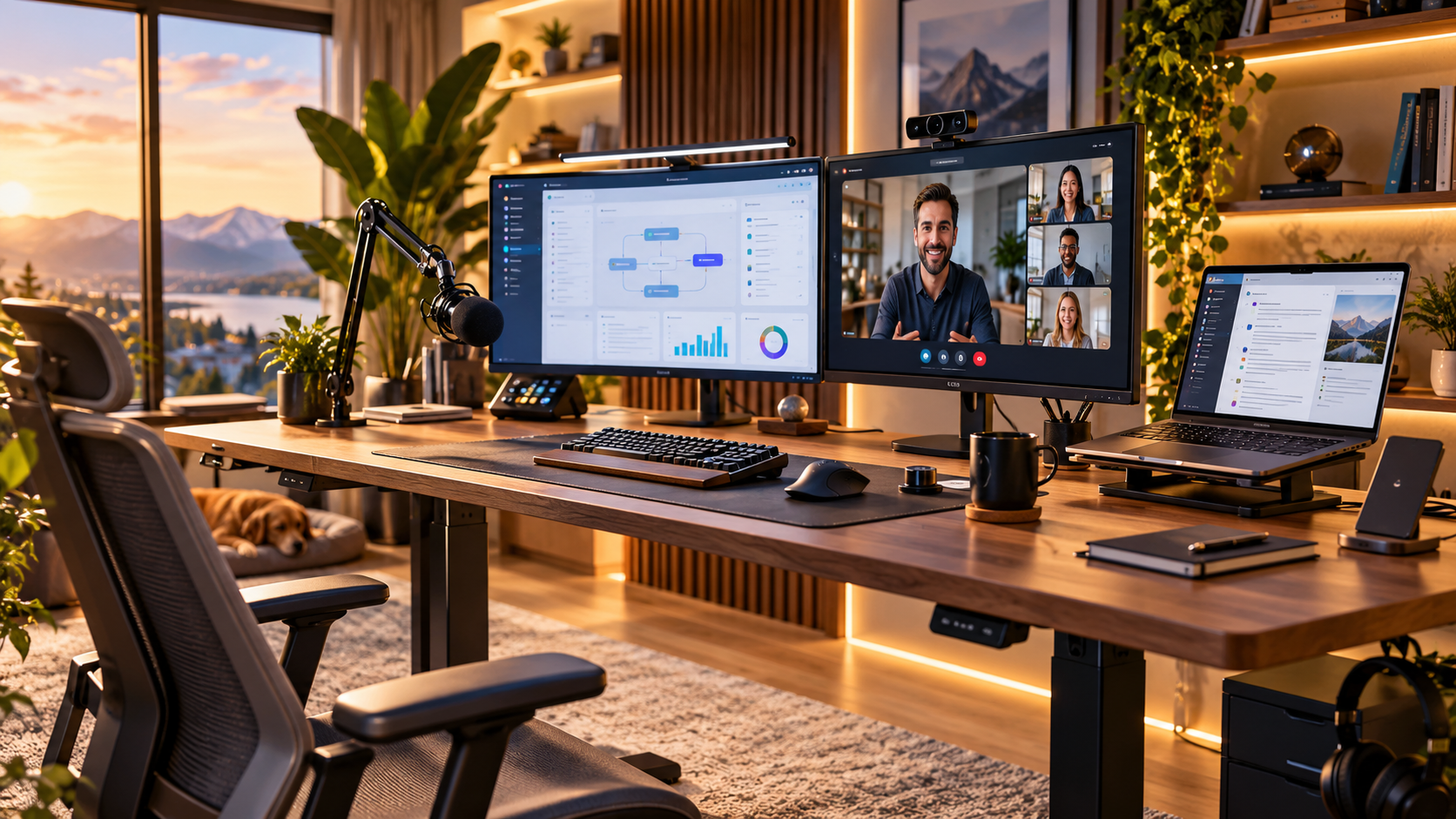
For a Solutions Consultant, the home office is more than just a desk with a laptop. It is where discovery calls happen, live demos are delivered and customer relationships are built through a screen. The perfect home office setup for Solutions Consultants should support clear communication, reliable demos, professional video calls and long working days without getting in the way. In this article, I look at the parts that actually matter: screen space, audio, camera positioning, lighting, ergonomics and network reliability. The goal is not to build the most expensive setup possible. It is to create one that helps you focus on the customer instead of the technology around you.